
Understanding USCIS Photo Requirements
The USCIS has stringent guidelines for Green Card photos to ensure accurate identification and security. These requirements cover various aspects, including size, format, background, pose, and expression. Adhering to these specifications is critical to avoid rejection and potential delays in your application process. Understanding these requirements is the first step towards a successful application.Key Specifications
- Size and Dimensions: The photo must be 2x2 inches (51x51 mm).
- Format: Must be a color photo. Black and white photos are not accepted. See more about the rules for black and white passport photos.
- Background: The background should be plain white or off-white. Ensure there are no shadows or patterns.
- Pose: You must face the camera directly, ensuring your entire face is visible.
- Expression: Maintain a neutral expression. No smiling, frowning, or raised eyebrows are allowed.
- Head Size: The head should measure 1 inch to 1 3/8 inches from the top of the head to the bottom of the chin.
- Quality: The photo must be clear, sharp, and in focus, without any shadows, digital alterations, or pixelation. Avoid overexposed or underexposed photos.
DIY Tips for a Compliant Photo
Taking a compliant Green Card photo at home is possible with the right preparation and attention to detail. While it may seem daunting, following these practical tips will greatly increase your chances of success. Here are some practical tips to ensure your photo meets all official standards:Lighting
Proper lighting is crucial for a high-quality photo. Natural light is best, but avoid direct sunlight, which can cause harsh shadows. Instead, stand near a window with diffused light to illuminate your face evenly. The goal is to eliminate any shadows on your face or in the background.Background
Use a plain white or off-white background. A white wall or a large sheet of white paper works well. Make sure the background is free from any patterns, shadows, or distractions. A clean, uncluttered background helps to focus attention on your face.Attire
Wear everyday clothing that you would normally wear. Avoid wearing uniforms or clothing that resembles a uniform, as this is not permitted. Religious attire is permitted if worn daily, but it should not obscure your facial features. See our full passport photo dress code guide for more information.Accessories
Eyeglasses are generally not allowed in the photo unless you have a medical reason and can provide documentation from a doctor. If medically necessary, ensure the glasses do not cause glare or shadows. Hats and head coverings are also prohibited unless worn daily for religious reasons, and they must not obscure any part of your face. Learn more about regulations regarding hats in passport photos.Composition
Position yourself so that your entire face is visible. Your head should be centered and square to the camera. Make sure your hair does not cover your face or cast shadows, and your eyes are open and clearly visible. Avoid tilting your head or looking away from the camera.Common Mistakes to Avoid
Many Green Card applications are delayed or rejected due to common photo errors. Being aware of these pitfalls can help you avoid unnecessary complications and ensure your application proceeds smoothly.Improper Background
Using a background that is not plain white or off-white is a frequent mistake. Always ensure your background is clear, consistently colored, and without any distractions.Poor Lighting
Photos that are too dark, too bright, or have shadows are often rejected. Ensure your face is evenly lit without harsh shadows, and avoid using flash, which can cause glare.Non-Compliant Attire
Wearing uniforms, hats, or sunglasses can lead to rejection. Follow the USCIS guidelines regarding appropriate attire, and ensure any religious head coverings do not obscure your facial features.Incorrect Size and Dimensions
Submitting a photo that is not 2x2 inches or does not meet the head size requirements is a common error. Double-check the dimensions before submitting your photo, and use a ruler or online tool to verify the measurements.Unnatural Expression
Smiling, frowning, or having an exaggerated expression can cause your photo to be rejected. Maintain a neutral expression with your eyes open and looking directly at the camera. Relax your facial muscles and avoid any exaggerated expressions.Leveraging AI-Powered Tools
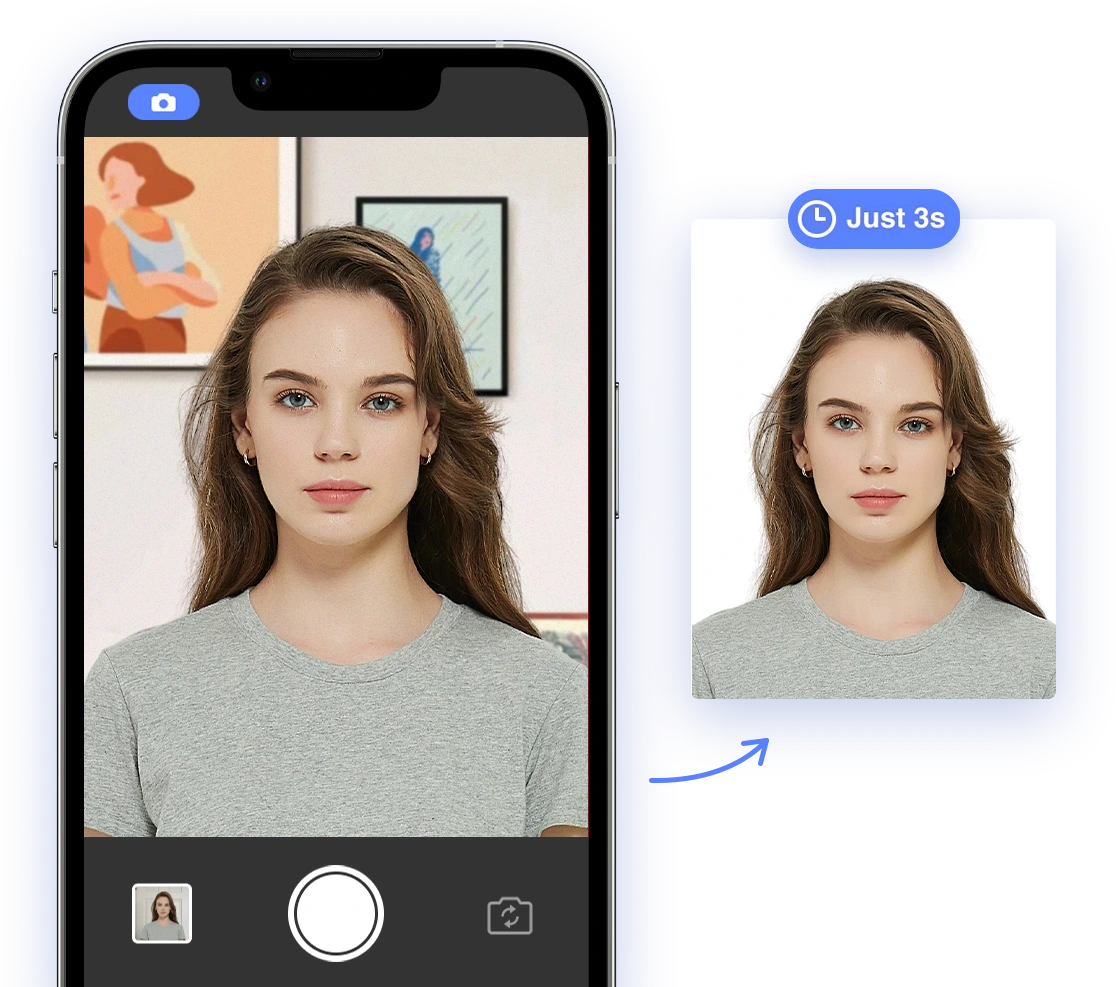
AI photo tools like AI Passport Photo can significantly simplify creating perfectly compliant photos. These tools automatically adjust the size, background, and other critical elements to meet USCIS requirements, providing a convenient and reliable solution. These tools are designed to minimize errors and ensure your photo meets all necessary standards.Benefits of Using AI Photo Tools
- Automated Compliance: AI tools ensure your photo meets all USCIS specifications automatically, eliminating the guesswork and reducing the risk of rejection.
- Time-Saving: These tools streamline the photo creation process, saving you time and effort by automatically adjusting various elements.
- Cost-Effective: Using AI tools can be cheaper than professional photo services, providing a more affordable alternative.
- Convenient: You can create compliant photos from the comfort of your home, eliminating the need to visit a photo studio.
How AI Passport Photo Works
AI Passport Photo uses advanced algorithms to analyze and adjust your photo to meet USCIS requirements. The tool checks for correct size, background, head position, and expression, ensuring your photo is compliant. It also provides real-time feedback and suggestions to improve your photo before submission. You can find more information how to take a passport photo at home on our blog. Ready to get started? Try AI Passport Photo now and ensure your Green Card photo meets all requirements!Step-by-Step Instructions: Using AI to Generate Your Green Card Photo
Using AI Passport Photo is straightforward. Follow these steps to generate your Green Card photo:- Upload Your Image: Visit the AI Passport Photo website and upload a recent photo of yourself. Ensure the photo is clear and well-lit.
- Automatic Adjustments: The AI tool will automatically resize the photo, remove the background, and adjust the head position and expression. Review the adjustments to ensure they look natural.
- Review and Approve: Review the adjusted photo to ensure it looks natural and accurate. Make any necessary manual adjustments, such as fine-tuning the head position or brightness.
- Download and Print: Download the compliant photo and print it according to USCIS specifications. Ensure the printed photo is clear, of high quality, and on appropriate paper. Check our guide on choosing the perfect passport photo paper for more information.
What to Do If Your Photo Is Rejected
Even with careful preparation, your photo might still be rejected. If this happens, don't panic. Here’s what you should do:- Understand the Rejection Reason: Review the rejection notice to understand why your photo was not accepted. The notice will provide specific details about the issue, helping you identify the problem.
- Retake the Photo: Address the identified problem and retake the photo, ensuring you follow all USCIS guidelines and DIY tips. Pay close attention to lighting, background, and expression.
- Use AI Tools: Use AI Passport Photo to verify the new photo's compliance, correcting any remaining issues and ensuring it meets all requirements.
- Seek Professional Assistance: If you continue to have problems, consider seeking assistance from a professional photo service or an immigration consultant. They can provide personalized guidance and ensure your photo meets all necessary standards.
Expert Advice and Resources
To further ensure a smooth and successful Green Card application process, consider these additional resources:- USCIS Official Website: Visit the official USCIS website for the most up-to-date information on photo requirements and application procedures. This is your primary source for accurate and reliable information.
- Immigration Attorneys and Consultants: Consult with experienced immigration attorneys or consultants for personalized guidance and assistance. They can provide valuable insights and help you navigate the complexities of the application process.
- Online Immigration Forums: Engage with online communities and forums to share experiences and learn from others. These platforms can provide valuable peer support and practical advice.