
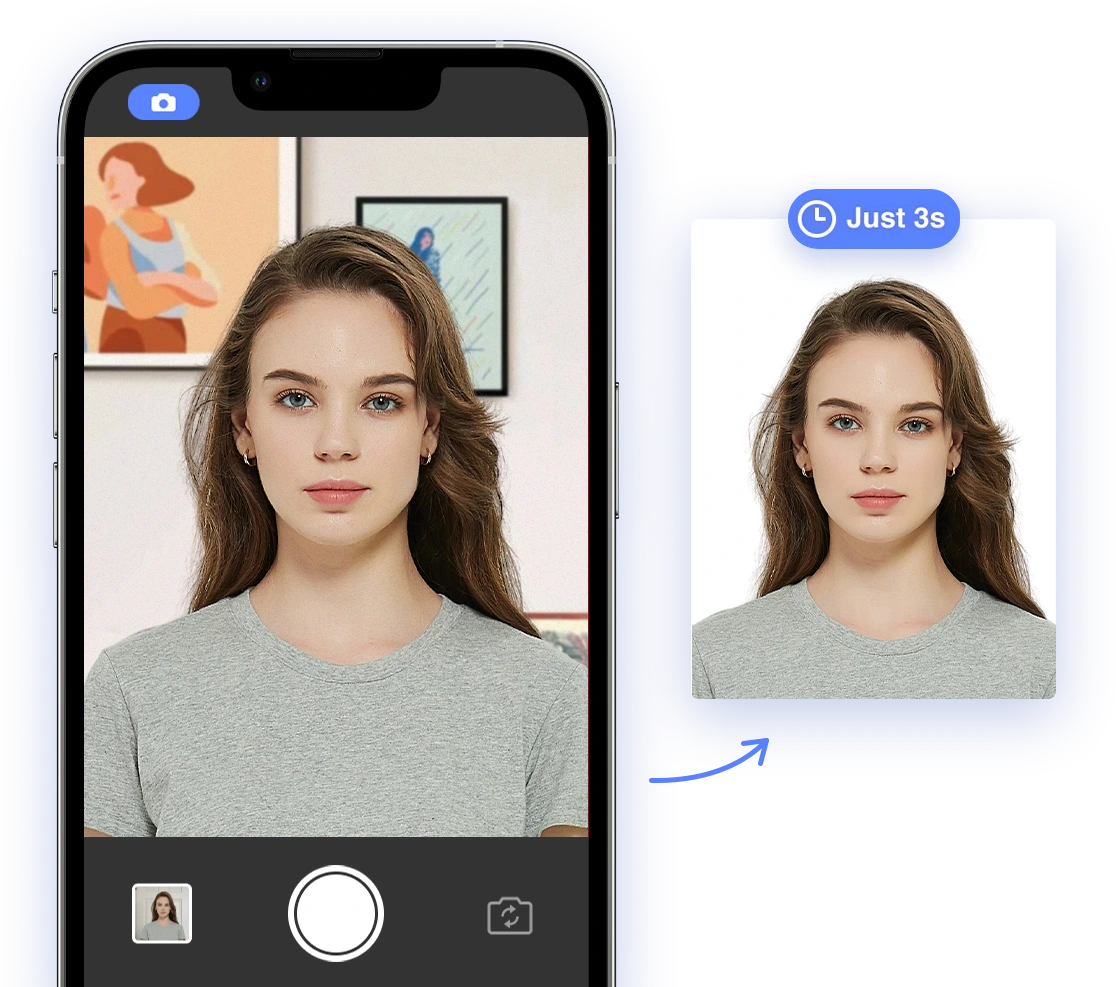
Understanding the Regulations
Navigating the rules around tattoos in passport photos requires knowing official guidelines. The U.S. Department of State provides specific instructions to ensure your photo accurately represents your current appearance.
Official Guidelines from the U.S. Department of State
The U.S. Department of State requires that your passport photo accurately depict your current appearance. This means that while tattoos themselves aren't explicitly banned, they shouldn't obstruct your face or distort your identifying features. According to the official guidelines, photos must be:
- A clear image of you
- Taken within the last 6 months to reflect your current appearance
- Free of shadows and glare
- Showing your full face
In general, visible tattoos are acceptable if they don't distort your facial features or cover a significant portion of your face. Tattoos on other parts of your body, such as arms or neck, are generally acceptable if they are visible in the photo, as long as they don't interfere with facial recognition.
Read more about general questions and answers about U.S. passport photos.
Tattoo Placement & Visibility
The location of a tattoo significantly impacts its visibility and acceptance in a passport photo. Certain placements can cause issues with compliance. Here's a closer look:
How Tattoo Location Affects Compliance
- Facial Tattoos: These are closely scrutinized. Small, non-distorting tattoos (e.g., a tiny mark) might be acceptable. However, large or prominent facial tattoos can raise concerns. The key consideration is whether the tattoo obscures or distorts your facial features, making identification difficult. Ensure the tattoo does not cover or significantly alter easily identifiable features.
- Neck Tattoos: Neck tattoos are generally acceptable as long as they don't extend onto the face. Ensure that your neck is fully visible and the tattoo doesn't interfere with the visibility of your face. If the tattoo creeps onto the jawline or distorts the shape of your face, it may cause issues.
- Body Tattoos: Tattoos on your arms, chest, or other parts of your body are generally acceptable, especially if they are naturally visible when wearing regular clothing. There are no specific restrictions against these, provided they don't affect facial recognition. Keep in mind that distracting or overly prominent body tattoos may draw unnecessary attention.
Style Guide for Tattoo Display
Choosing the right clothing and accessories can help showcase tattoos appropriately while ensuring compliance with passport photo regulations. Here are some styling tips to consider:
Clothing and Accessories
- Clothing: Opt for clothing that is plain and doesn't distract from your face. Avoid busy patterns or logos. Solid, neutral colors are generally best.
- Necklines: Choose a neckline that allows your neck to be visible if you have tattoos in that area, but also ensures that the clothing doesn't cover any part of your face. Crew necks or v-necks are generally safe choices.
- Jewelry: Keep jewelry minimal. Avoid large necklaces or earrings that could obscure your face or cast shadows. Small, simple jewelry is usually acceptable.
- Hair: Style your hair so that it does not cover any part of your face, including your eyebrows, forehead, or ears. Make sure any tattoos are visible but not obscured by your hair. Use hair accessories sparingly, ensuring they don't block any facial features.
For more information about general hair requirements for passport photos in the United States read our article.
DIY Photo Tips for Tattoo Compliance
Taking your passport photo at home can be convenient and cost-effective. However, it's essential to follow best practices to ensure compliance, especially when tattoos are involved.
Lighting, Posing, and Camera Angles
- Lighting: Use even, natural lighting to avoid shadows. Position yourself facing a window, but avoid direct sunlight, which can cause harsh shadows. Diffuse the light with a sheer curtain if needed.
- Posing: Face the camera directly, keeping your head level and your shoulders square. Ensure your entire face is visible, including your hairline and ears.
- Camera Angles: Position the camera at eye level to avoid distortion. Make sure your tattoos are fully visible but not exaggerated by the angle. Use a tripod to ensure stability and consistent shots.
Leveraging AI for Tattoo Compliance
AI-powered passport photo tools can be a valuable asset in assessing your photo for compliance, especially when tattoos are present. AI Passport Photo is one such tool that uses artificial intelligence to ensure your photo meets all official requirements.
How AI Tools Assess Tattoo Visibility
- Facial Feature Detection: AI algorithms can detect and analyze facial features to ensure tattoos are not distorting or obscuring them. The AI identifies key landmarks on your face and measures the distance between them to guarantee your features are clearly visible.
- Lighting and Shadow Analysis: These tools can identify and correct issues with lighting and shadows, ensuring tattoos are clearly visible without causing compliance problems. The AI will highlight any areas of concern, allowing you to adjust the lighting accordingly.
- Overall Compliance Check: AI tools can check your photo against specific passport photo requirements, providing immediate feedback on whether your photo is likely to be accepted. Use AI Passport Photo to easily create compliant photos that pass government standards. The tool will generate a report detailing any potential issues and offer suggestions for improvement.
Troubleshooting Rejection
Even with careful preparation, a passport photo might be rejected. Understanding the reasons and knowing how to address them is crucial.
Steps to Take If Your Photo Is Rejected
- Review the Rejection Notice: Carefully read the rejection notice to understand the specific reasons for the rejection. The notice will typically specify which aspect of the photo did not meet the requirements.
- Address the Issues: Correct the issues identified in the rejection notice. This might involve adjusting the lighting, changing your pose, re-styling your hair, or retaking the photo with different clothing. If a tattoo was the issue, consider its prominence and whether it can be minimized without misrepresenting your appearance.
- Re-Submit Your Photo: Once you've addressed the issues, re-submit your photo with your passport application. Be sure to include any additional information or documentation that might be helpful. If you're unsure whether your changes meet requirements, seek assistance from a passport acceptance facility or use AI Passport Photo to re-evaluate your image.
Global Compliance Considerations
While the general principles for passport photos remain consistent, specific tattoo regulations can vary from country to country. Before taking your passport photo, research the requirements of the country that issues your passport to ensure compliance. Visit the website of your country's passport authority for detailed guidance. Note that certain countries may have stricter interpretations of what constitutes distortion or obstruction of facial features.
For more information on international standards, research biometric photo guidelines on Wikipedia.
Conclusion
Navigating passport photo requirements with tattoos doesn't have to be stressful. By understanding the regulations, considering tattoo placement and styling, using DIY tips, leveraging AI tools, and knowing how to troubleshoot rejections, you can confidently submit a compliant passport photo. With the right preparation, your passport application process can be smooth and hassle-free, allowing you to focus on your travel plans.
Ready to get started? Use AI Passport Photo to ensure your photo meets all requirements and is approved the first time!
Image Requirements:
- One high-resolution image demonstrating a compliant passport photo with a tattoo.
- Consider including an additional image showcasing a non-compliant tattoo example to illustrate what to avoid.
Schema Markup Suggestions:
- Use the Article schema to define the content type. Include properties like
headline,image,author,datePublished,dateModified, anddescription. - If you mention AI Passport Photo, consider using the
Organizationschema to provide details about the tool.
Social Sharing Elements:
- Include social sharing buttons (Facebook, Twitter, Pinterest) to encourage readers to share the article.
- Create a visually appealing social media graphic that summarizes the article's key points.